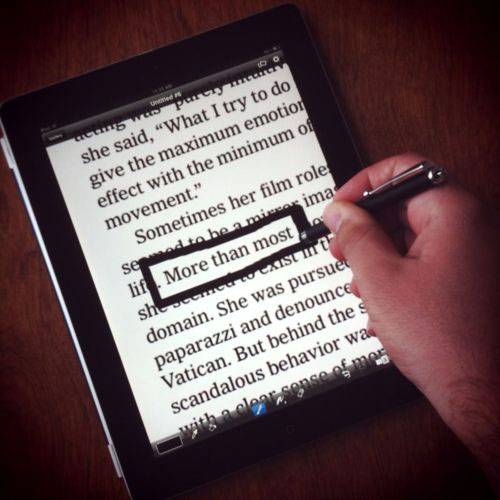
Note: this post has been updated since 2010.
People always ask me when I’m going to develop an iPad app for Newspaper Blackout. I’ve always told them that I don’t want to because I think there’s something magic about feeling the newsprint in your hands, smelling the marker fumes as you make your poem.
Even though I still prefer the old analog way, there are times (mostly on the bus or out on the porch or lying in bed) when I don’t have a newspaper and a marker in front of me, so I’ve been experimenting with making them on my iPad.
Here’s how I do it, if you want to play along…
Tools
- iPad 2
- a Boxwave stylus
- the NYTimes app to grab an article (I have a paper subscription, so I get full access)
- the Brushes app to do the blacking out
- the Instagram app to share the poems on Twitter, etc.
Method
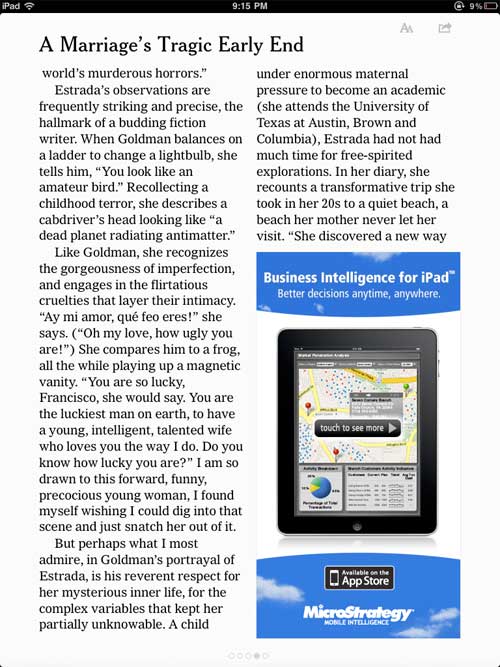
1. I find an article in the NYTimes and take a screenshot of it. (How to take a screenshot: press the power button in the upper right-hand corner and the home button simultaneously.)
2. I make a new painting in Brushes.
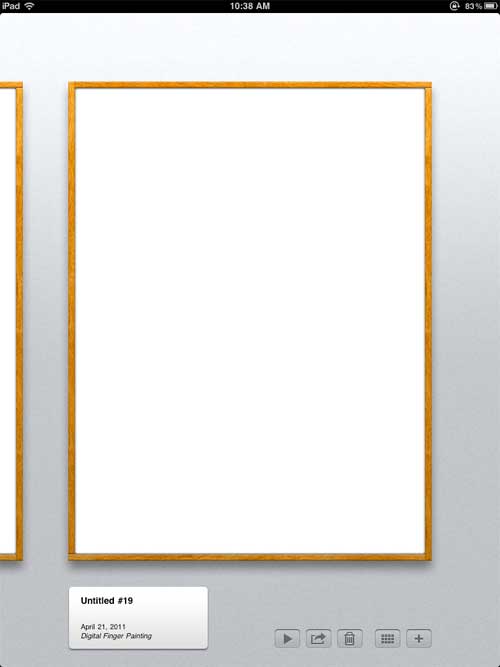
3. I add the screenshot of the article to the Brushes painting.
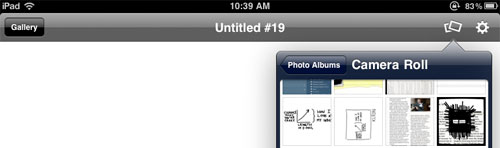
4. I make a new layer above the screenshot in the painting so that if I make mistakes I can erase them. (+/-1 for digital — you can fix your “mistakes.” Both a good and a bad thing.)
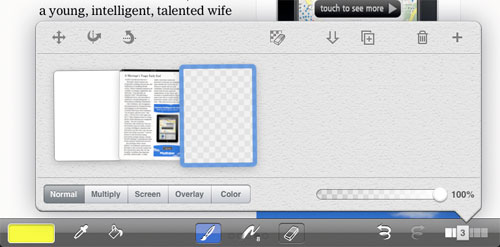
5. I use the black paintbrush to make the poem like I normally would. (In this video I play around a bit, cover the whole article in black, and then use the eraser to randomly uncover words…) When I have something I like, I erase the rest of the article to clean it up.
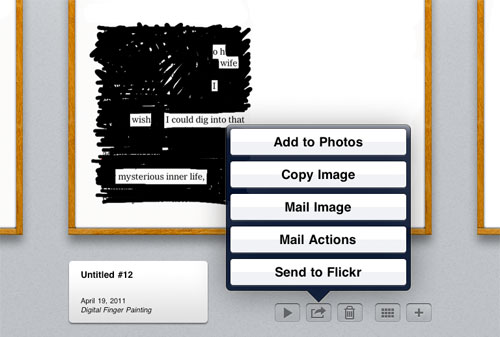
6. I use the “Add To Photos” function to export the painting to my photos.
7. I go into Instagram and share it like I would any other photo — I use the “Move and Scale” function to position the poem just so, select a filter, give it a title, etc. (Sometimes I won’t use a filter.)
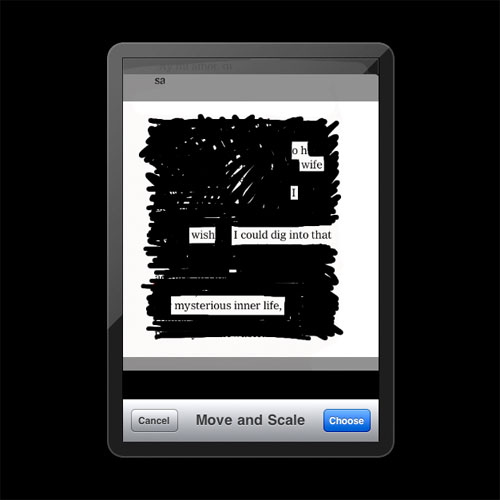
And that’s it! Here’s what the final poem looks like:
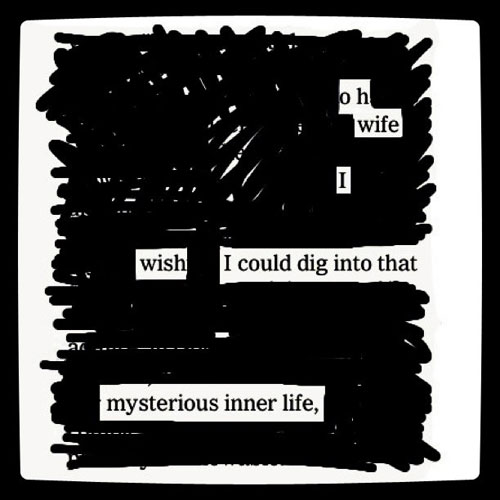
As always, you can send me anything you come up with at http://newspaperblackout.com.
[…] My 2nd poem made on the iPad. […]